Operation
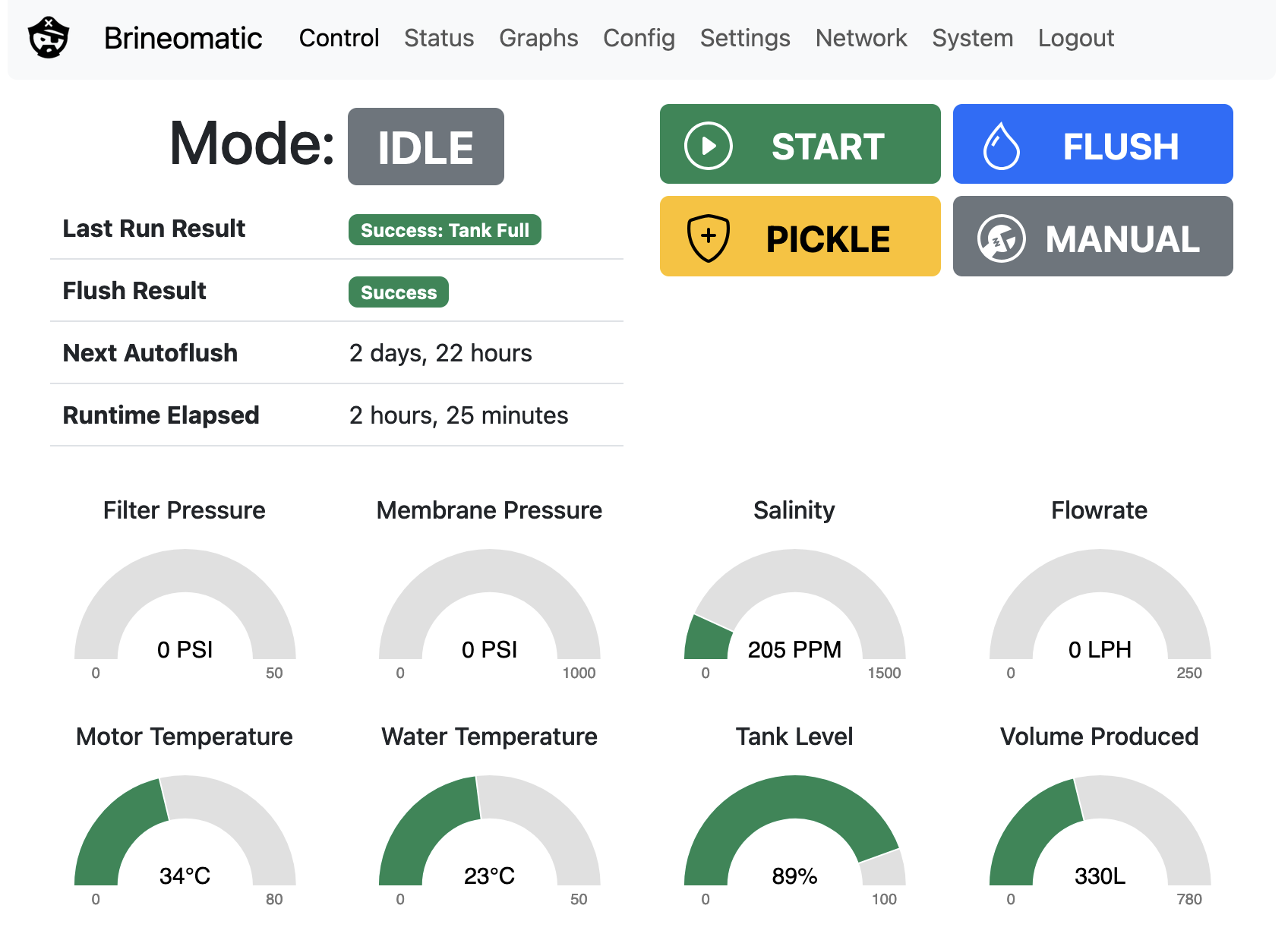
You can access the firmware at http://brineomatic.local (http://brineomatic on Android) or by entering the IP address. The IP address and hostname are printed out over the serial port at startup. You should see an interface similar to this:
Normal Run Cycle
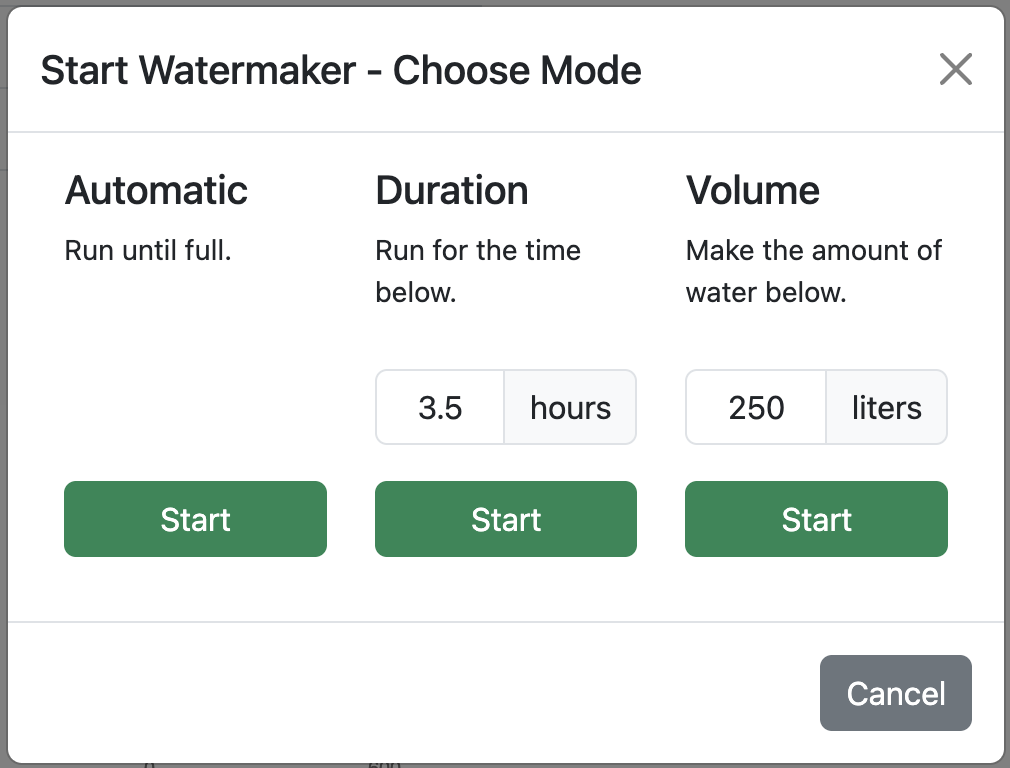
Supports three modes:
- Automatic (requires Tank Level data)
- Duration
- Volume (requires Brine Flowrate sensor)
Brineomatic will:
- Initialize hardware
- Pre-pressurize via boost pump
- Ramp high-pressure pump
- Wait for membrane pressure
- Verify product flowrate
- Verify product salinity
- Close diverter valve
- Produce water while watching for errors
- Stop based on time, volume, tank level, or user
- Finish with autoflush
Flush Cycle
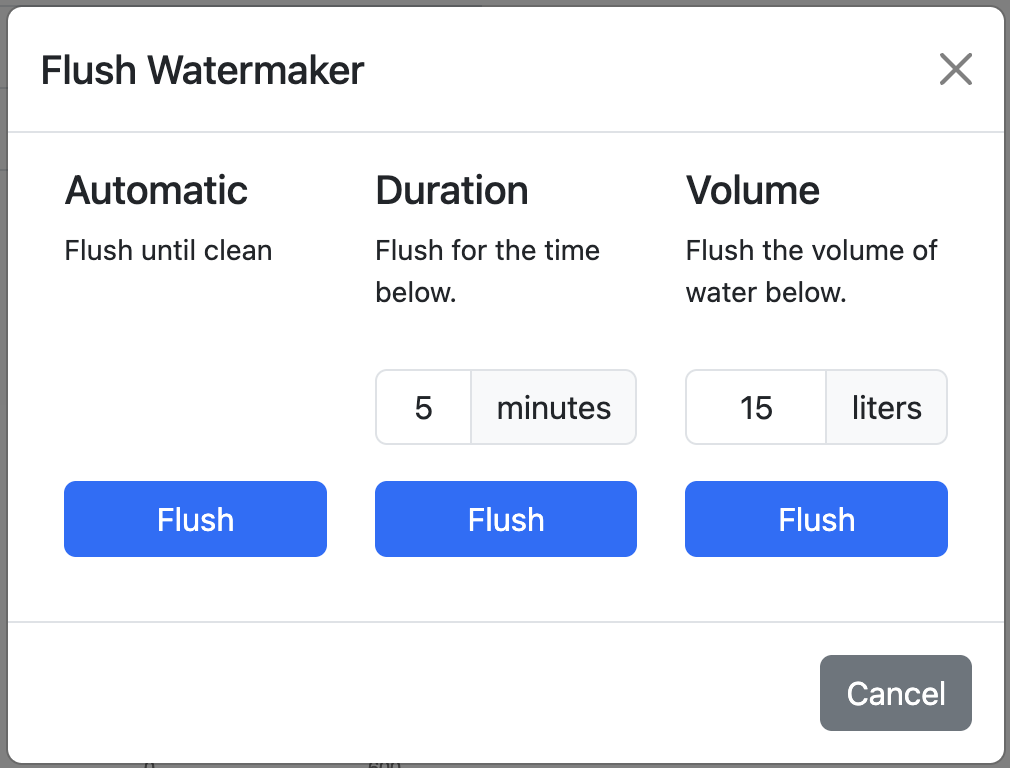
Supports three modes:
- Time-based
- Volume-based (requires Brine Flowrate Sensor)
- Automatic (requires Brine TDS sensor)
Pickling / Depickling
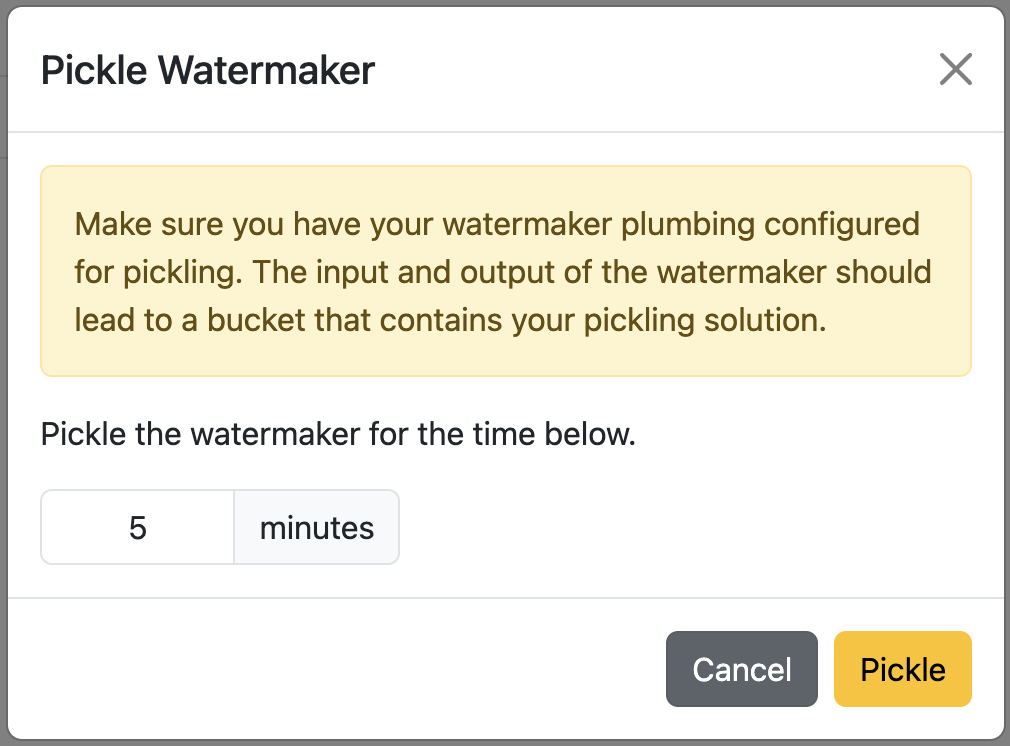
Runs high pressure pump for a set period of time to fill the machine with pickling solution. Also stores the pickled state in non-volatile memory in case of reboot or power loss. Brineomatic can safely be turned off after entering Pickled mode and it will remember the state when you next turn it back on.
Error Handling
If any threshold fails after a configurable time period, the controller:
- Stops the machine
- Stores result code
- Resets all valve states
- Disables pumps
- Logs result
- Returns to IDLE
Error codes include membrane pressure failures, filter clogging, salinity issues, motor temperature, total flowrate loss, and more.